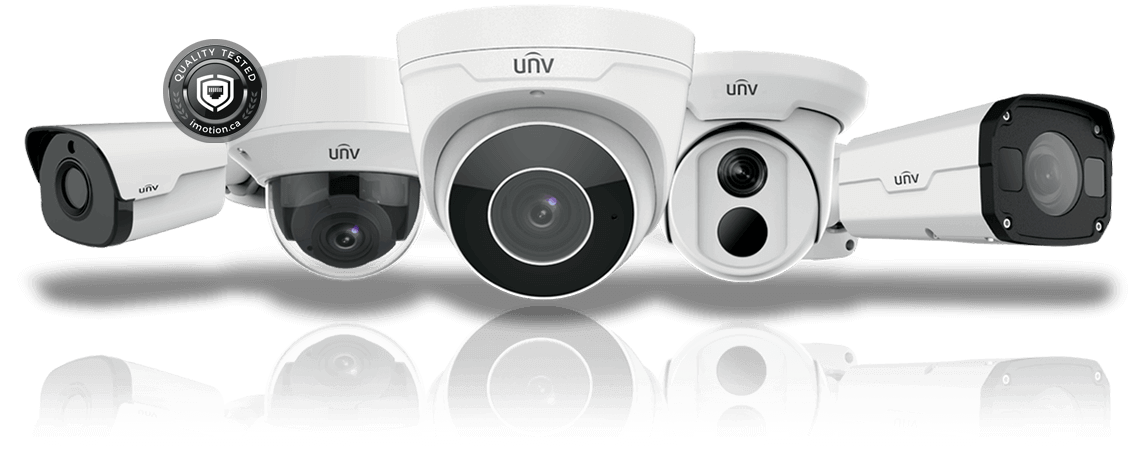
Uniview Cloud Recording & Storage for Security Cameras, NVRs & DVRs
☁ 3-5 Days Delivery
Uniview Cloud Recording & Storage provides a convenient way to remotely access compatible Uniview security cameras, NVRs and DVRs through the cloud. With EZCloud, users can connect compatible devices, view live video, access recordings and manage their surveillance system remotely through supported mobile apps and web platforms.
Add to Wishlist
Add to Wishlist
Description
Uniview Cloud Recording & Storage provides a convenient way to remotely access compatible Uniview security cameras, NVRs and DVRs through the cloud. With EZCloud, users can connect compatible devices, view live video, access recordings and manage their surveillance system remotely through supported mobile apps and web platforms.
Key Features
- Uniview EZCloud support
- Remote camera access
- Remote live video viewing
- Remote video playback
- Compatible with supported Uniview IP cameras
- Compatible with supported NVRs
- Compatible with supported DVRs
- Cloud-based device management
- Mobile access through supported Uniview applications
- Web-based cloud access
- QR-code device addition on supported devices
- Remote surveillance from virtually anywhere with Internet access
- Suitable for home and business CCTV systems
Uniview documentation states that compatible cameras can be added to EZCloud through the EZView app or EZCloud website, allowing users to view live or recorded video and receive supported alarm notifications.
How Uniview Cloud Works
1. Connect your Uniview device
Connect your compatible IP camera, NVR or DVR to the Internet.
2. Enable EZCloud
Enable the EZCloud function on a supported device.
3. Add the device
Use the EZView app or EZCloud website to add the device using its QR code/register code.
4. Remote Access
After adding the device, you can access supported live view and playback functions remotely through the appropriate Uniview platform.
Compatible Uniview Devices
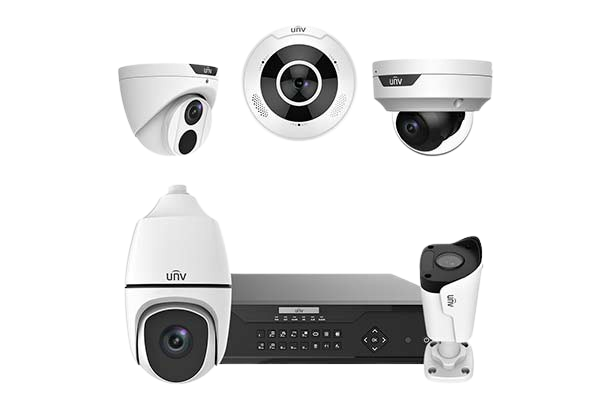
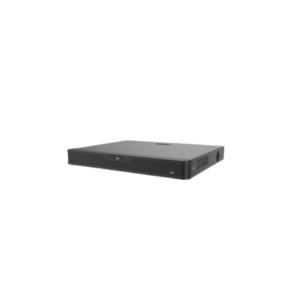
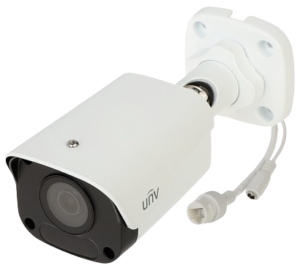
This service can be used with supported Uniview surveillance equipment, including:
- UNV IP Cameras
- UNV NVRs
- UNV DVRs
- Compatible surveillance devices
Important: Cloud features and recording/storage capabilities can vary according to the specific camera, NVR/DVR model, firmware, region and service plan. So don’t promise a specific amount of cloud storage unless you’ve confirmed the exact plan/device.
Cloud Recording vs Local Recording
| Feature | Cloud / Remote Service | Local Storage |
|---|---|---|
| Remote Access | ✅ | Depends on configuration |
| Live View | ✅ Supported devices | ✅ |
| Playback | ✅ Supported devices | ✅ |
| NVR HDD Recording | Not necessarily cloud storage | ✅ |
| Camera SD Card | ❌ Separate storage | ✅ |
| Internet Required | ✅ For cloud access | ❌ For local recording |
| Mobile Access | ✅ | Depends on setup |
Applications
- Home CCTV monitoring
- Office surveillance
- Retail stores
- Warehouses
- Schools
- Commercial buildings
- Remote property monitoring
- Multi-location CCTV management
- Small business security systems
Naeem Technologies Description
Naeem Technologies provides Uniview CCTV, networking and security solutions in Pakistan. Customers can get assistance with compatible UNV cameras, NVRs, DVRs, remote CCTV monitoring and cloud connectivity, subject to device and service compatibility.
Reviews
There are no reviews yet.